Support
Help & Support
Answers about photos, drafts, credits and integrations. Search for your question or choose a topic.
Your first listing. Step by step.
Group the photos of your items. CrowFlip prepares the images, title, description and suggested price. You review everything before publishing.
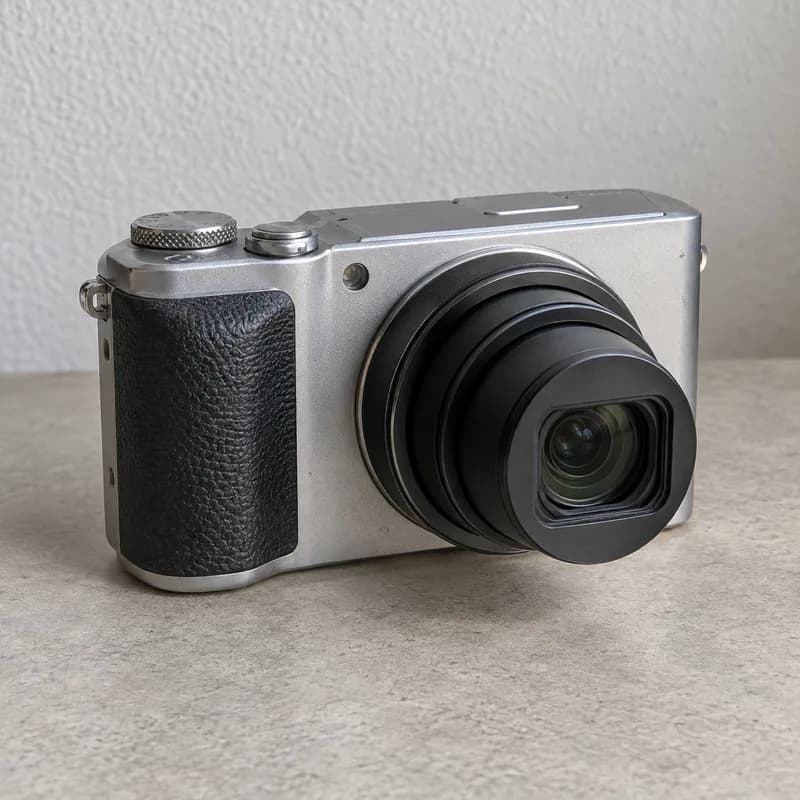
Camera
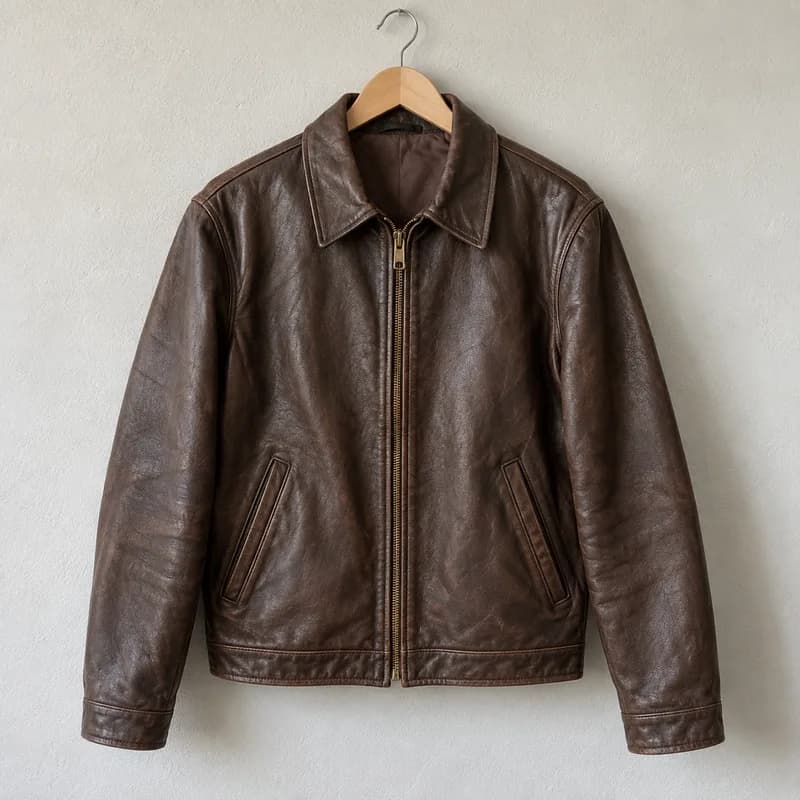
Jacket
Upload your photos
Sign in and choose “Multiple devices” in your dashboard. Select up to 60 photos. For your first attempt, use 4–6 views of one item: front, back, model label, accessories and visible flaws.
Group photos by item
Check that each group contains exactly one item. Move misplaced photos by dragging or selecting them. Optionally, “Recognize devices” suggests groups for 5 credits. Review them before choosing “Apply suggestion”.
Optimize the photos together
Choose shared photo options for the remaining items. In the photo studio, adjust crop, rule-of-thirds guides, alignment and lighting individually. Check cables and transparent parts after removing a background. Confirm with “Apply photos”; your originals are preserved.
Review your draft
Check the displayed credit cost and start preparing drafts. Open each result and check model, condition, accessories, manufacturer information and price. Price guidance comes from active listings. Copy text to Vinted or Kleinanzeigen yourself; publishing supported eBay listings requires a separate confirmation.
Continue later: open the same browser and resume the saved batch. Completed drafts are kept if an error occurs. Check the job status before restarting an unfinished group.
- Photo editing
- No additional credits
- AI grouping · optional
- 5 credits per batch
- Listing draft per item
- 10 credits · Standard / 25 · Deep Scan
Every plan · Free: 5 stored listings
What stays local and what to review
Batches, originals and presets stay saved in this browser. Continue working on unfinished items after reloading. This batch is unavailable on another device or after clearing browser data.
Background removal runs locally; the browser downloads the model and runtime on first use. Check thin cables and transparent edges. The photo studio also lets you straighten, rotate, mirror, crop with rule-of-thirds guides and apply a consistent look to the series.
Price guidance uses active eBay listings. Check sold items through a search link. Confirm product details, condition, required information and price before publishing.