Your free account tops up to at least 30 credits each day. You can store at most 5 listings at a time. Listing counts assume you use no other AI actions.
How subscription top-ups work
At each paid monthly renewal, your total balance is topped up to at least 2,500 credits (Pro) or 10,000 credits (Business). Remaining credits, purchased Starter credits and rewards all count towards this balance. A higher balance is preserved; a full allowance is not added on top.
Pro example: 1,000 remaining credits → 2,500 after renewal. If 3,000 remain, the balance stays at 3,000.
The initial purchase adds the selected plan’s credits to your balance once. Every plan is for one account; team members and shared workspaces are not included.
Try your own numbers
How many credits do you need?
Plan a batch or a month. Count each draft as either Standard or Deep Scan. AI grouping is charged per batch, not per photo.
10 credits per action
25 credits per action
2 credits per action
5 credits per action
0–100,000 per field. Local photo editing and PDF invoices cost 0 credits. Other AI actions may add to the total.
What happens when your subscription renews?
Try an example balance. Enter the total balance just before a paid renewal, including Starter credits and rewards. This calculator does not read or change your account.
Before
1,000 Credits
Credits added at renewal
1,500 Credits
Balance afterwards
2,500 Credits
A higher balance is preserved. The initial purchase adds the package once; this part of the calculator only shows the later monthly top-up.
Upload photos. Prepare listings.
Group the photos of your items. CrowFlip prepares the images, title, description and suggested price. You review everything before publishing.
Camera
Jacket
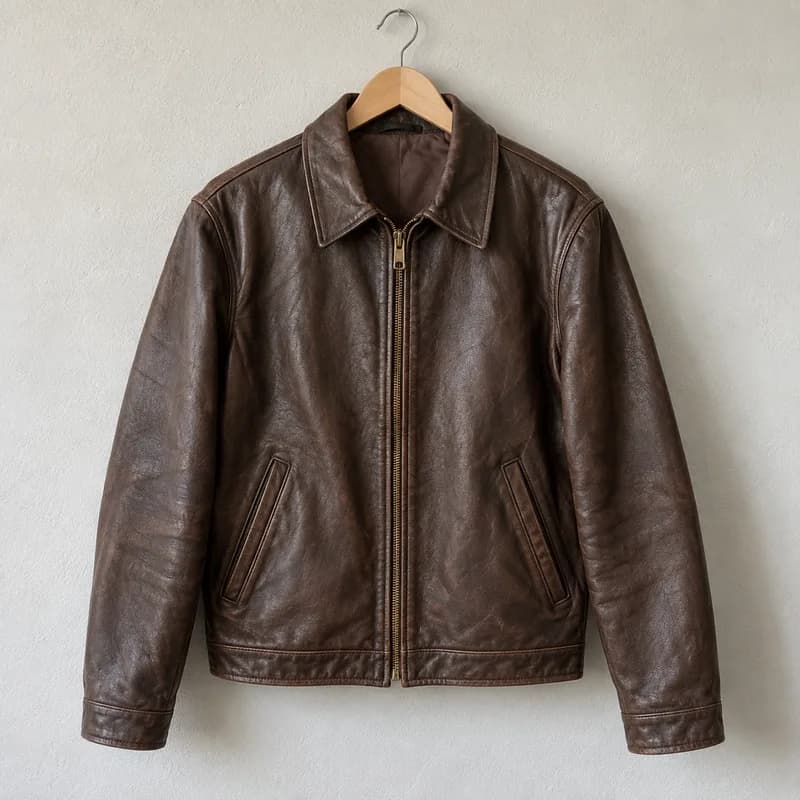
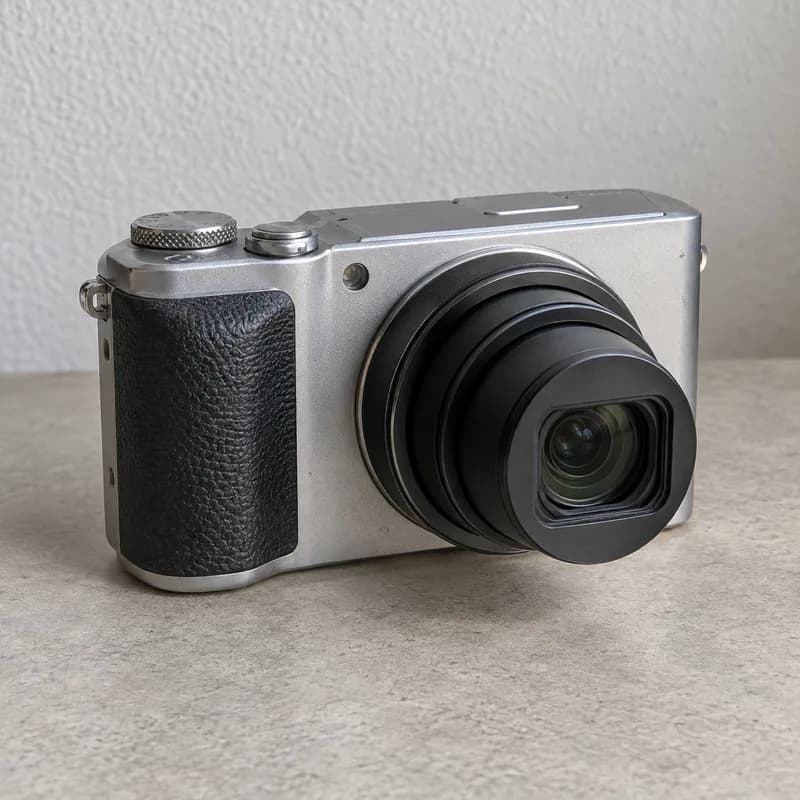
Example subjects · AI-generated photos, not real offers
1
Upload your photos
Up to 60 photos for multiple items in one batch.
2
Group photos by item
Group photos of the same item together, for example 4–6 images. Group them yourself or review the AI's suggestion.
3
Optimize the photos together
Match the lighting, optionally remove backgrounds and crop around the subject. Keep your originals.
4
Review your draft
Images, title, description and price guidance from active eBay listings stay together. You review them before publishing.
Batches, originals and presets stay saved in this browser. Continue working on unfinished items after reloading. This batch is unavailable on another device or after clearing browser data.
Background removal runs locally; the browser downloads the model and runtime on first use. Check thin cables and transparent edges. The photo studio also lets you straighten, rotate, mirror, crop with rule-of-thirds guides and apply a consistent look to the series.
Price guidance uses active eBay listings. Check sold items through a search link. Confirm product details, condition, required information and price before publishing.
Your usage
Credits, clearly explained.
Credits are used for AI actions. Choose Standard or Deep Scan for each item. PDF invoices do not use credits.
Standard listingYour regular listing draft
10 Credits
Deep ScanA listing with higher image detail
25 Credits
Deal scannerAssess a potential purchase
2 Credits
Recognize photo groupsOptional AI suggestion for the whole batch; drafts charged separately
5 Credits
Local photo editingBackground removal, subject crop and light adjustments